Sending money via Mpesa has become second nature for millions of Kenyans, whether paying bills, shopping at supermarkets, or sending funds to family.
However, mistakes happen – sometimes you key in the wrong paybill number, till number, or even enter an incorrect account reference. The good news is that Safaricom has a structured process to help you reverse money sent to the wrong paybill or till number.
This guide explains, step by step, how to reverse an Mpesa transaction, recover money sent by mistake and what you can do to minimize losses.
👉 Related read: 5 Best Digital Savings Apps in Kenya 2025
What Happens When You Send Money to the Wrong Paybill or Till?
When you mistakenly send money to the wrong business paybill number or Lipa na M-Pesa till number, the transaction goes through instantly.
The recipient (a business, vendor, or individual with a buy goods till) can access the funds immediately. This makes it crucial to act quickly, since once the money is withdrawn or used, Mpesa reversal may be difficult or impossible.
Safaricom does not guarantee automatic Mpesa refunds, but they provide support to initiate a reversal if the recipient has not withdrawn the funds. According to Safaricom’s official guidelines, customers must request a reversal immediately after noticing the error.
Steps to Reverse Money Sent to the Wrong Paybill or Till Number
1. Use the Official M-Pesa Reversal SMS
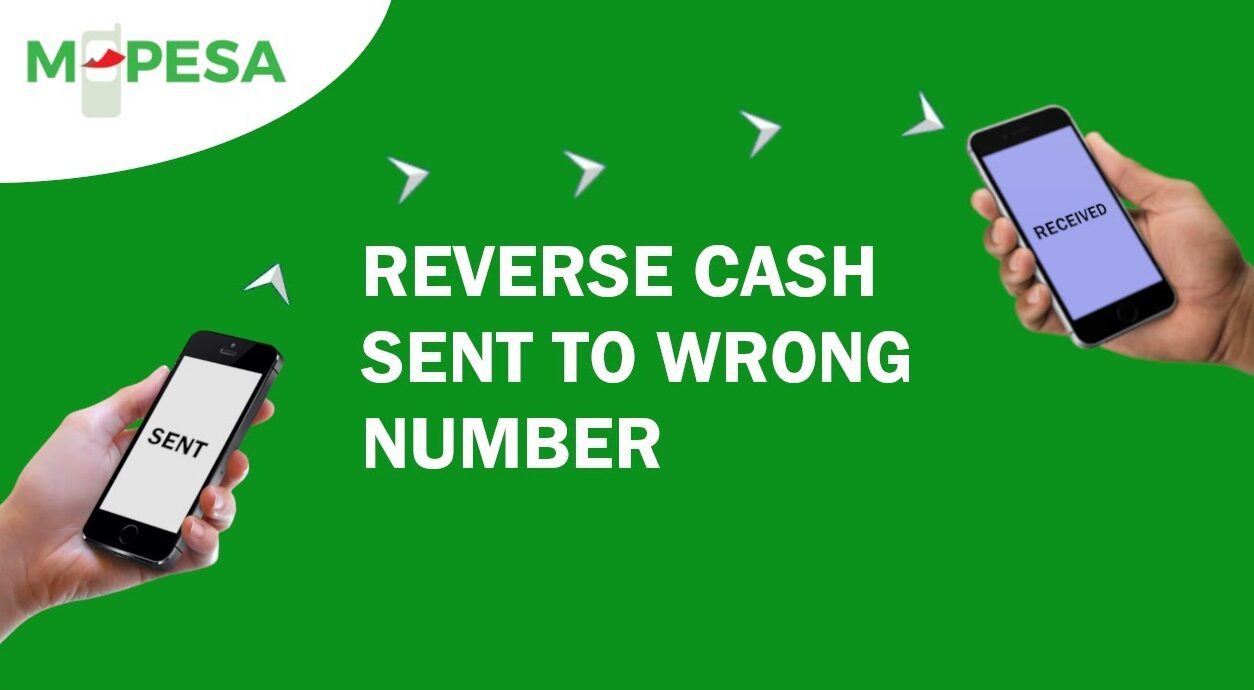
The quickest way to reverse money sent to the wrong paybill is by forwarding the Mpesa transaction SMS to 456.
Simply open the Mpesa confirmation SMS you received from Safaricom after sending the money, then forward it directly to 456 without editing. You will receive a confirmation message from Safaricom acknowledging your reversal request.
2. Contact Safaricom Customer Care
If you don’t receive a follow-up within minutes, call 100 (for prepaid) or 200 (for postpaid) to speak to Safaricom customer care.
Provide them with the Mpesa transaction details including the paybill or till number, amount sent, and time of transaction. They will log an Mpesa reversal request and escalate it to the merchant.
3. Wait for the Merchant’s Cooperation
For Mpesa paybill numbers (usually companies, schools, or government services), Safaricom will contact the organization and request them to refund the money.
For till numbers (used by shops and businesses), the Mpesa reversal depends on whether the funds are still in the account. If the merchant hasn’t withdrawn the money, the reversal will succeed. If the funds are already withdrawn, recovery is unlikely.
4. Escalate if Necessary
If the business is uncooperative, Safaricom may guide you on the next steps, which can include lodging a complaint with the Communications Authority of Kenya (CAK) or pursuing legal action if fraud is suspected.
How Long Does an M-Pesa Reversal Take?
A typical Mpesa reversal takes anywhere between 24 hours to 72 hours after initiating the request, depending on how quickly the merchant responds.
For large or corporate paybills, the Mpesa reversal process can sometimes take longer due to internal verification. Safaricom usually updates you via SMS about the status of your reversal request.
Common Mistakes to Avoid When Sending Money
Many failed Mpesa reversals happen because customers do not double-check transaction details before sending money. To avoid losing money in the first place, always confirm the paybill or till number, the account reference, and the amount before pressing “OK”.
Safaricom provides the “Hakikisha” feature, which allows you to confirm recipient details before the Mpesa transaction is finalized. If you notice the mistake during this stage, cancel immediately.
Can You Reverse Money Sent to Personal Numbers Instead of Paybill or Till?
Yes, the Mpesa reversal process above also works if you send money to the wrong phone number.
However, just like with paybills and tills, success depends on whether the recipient has already used the money. Safaricom urges customers to initiate reversal requests as soon as possible to increase their chances.
Final Thoughts
Sending money to the wrong M-Pesa paybill number or till number is stressful, but it is not the end of the road.
By forwarding the transaction message to 456 immediately and contacting Safaricom customer care, you stand a high chance of recovering your funds – especially if the recipient has not withdrawn the money.
Always confirm details before completing Mpesa transactions and take advantage of the Hakikisha feature.
For more information, visit the official Safaricom M-Pesa support page for up-to-date guidelines on reversals.
Can you reverse money sent to the wrong paybill instantly?
No, Mpesa reversals are not instant. Once you forward the message to 456, Safaricom initiates the process, which can take 24-72 hours depending on the merchant’s response.
How do I reverse money sent to the wrong till number?
Forward the transaction SMS to 456 and wait for confirmation from Safaricom. If the funds are still in the till, the reversal will succeed. If already withdrawn, recovery is unlikely.
How do I know if my Mpesa reversal was successful?
Safaricom will send you SMS updates on the progress. If successful, you’ll receive a message confirming the funds have been returned to your account.
Can Safaricom reject an Mpesa reversal?
Yes, if the funds have already been withdrawn by the recipient, Safaricom cannot recover the money. Mpesa reversals depend on the recipient’s cooperation and availability of funds.
What is the official Mpesa reversal SMS number?
The official M-Pesa reversal number is 456. This is the Safaricom short code where customers must forward the mistaken transaction SMS immediately after realizing they sent money to the wrong paybill, till, or mobile number.
It’s important to note that 456 is not a customer care number you can dial, but rather an SMS short code specifically dedicated to reversals.